

How to Plan a Web or Mobile App: UX Steps Every Founder Should Follow

Table of Contents
Key Takeaways
- Planning an app properly saves time, money, and development frustration.
- Good UX starts before design — with user research, flows, and priorities.
- Wireframes, IA, and prototypes help founders test ideas early.
- A clear UX plan prevents scope creep, rework, and unexpected costs.
Many founders jump straight to development when they have a great app idea.
But the most successful apps — the ones that launch smoothly and avoid expensive rewrites — all start with a clear UX strategy.
UX planning turns a vague idea into a structured system with logic, navigation, and clarity.
It ensures your app is:
- intuitive
- scalable
- aligned with user needs
- cost-efficient to build
Here’s a practical, founder-friendly guide to planning your app the right way.
1. Start With User & Problem Clarity
Before design, define the essentials:
- Who is the primary user?
- What problem do they need solved?
- What do they currently use instead?
- Why will your solution be better?
Clear users = clear features.
Unclear users = bloated apps that feel lost and unfocused.
Pro tip: Make a simple “one-sentence value statement.”
Example: “My app helps freelancers track time effortlessly.”
2. Create a Feature Priority Map
Most app ideas start with too many features.
A high-performing MVP focuses on the smallest set of features that solve the core problem.
Organize your features into:
- Must-have
- Nice-to-have
- Later opportunities
This reduces development cost and keeps your launch focused.
3. Map User Flows (Before Designing Anything)
User flows show how someone moves through your app:
Login → Dashboard → Task → Outcome
Strong user flows make your app feel intuitive, predictable, and fast to use.
Common flows to map first:
- onboarding
- buying / booking
- creating or editing content
- payments
- account settings
This step alone prevents 80% of future app confusion.
4. Build Your Information Architecture (IA)
IA is the backbone of your app’s structure — like a sitemap for mobile or web apps.
A good IA defines:
- screens
- primary navigation
- secondary navigation
- content groupings
- hierarchy
This ensures your app doesn’t grow into a chaotic maze of screens.
5. Create Wireframes to Visualize Structure
Wireframes are low-fidelity layouts that focus on usability, not visual design.
They show:
- what goes on each screen
- button placement
- flow logic
- layout patterns
- user guidance
Wireframes save thousands of dollars by catching issues before design and development start.
6. Design a Clickable Prototype
A prototype is a realistic, interactive version of your app — done in tools like Figma.
It lets you:
- click through the app
- test flows
- validate decisions
- gather feedback
- adjust quickly
Founders love prototypes because they feel real, and developers love them because they clarify everything.
7. Validate the App With Real Users
Before development, get quick user feedback:
- Is the flow clear?
- Are steps confusing?
- Does the layout make sense?
- Would users actually use this?
Even 5–10 testers give massive clarity.
This is how strong apps avoid expensive revisions later.
8. Prepare a Simple Development Handoff
A clean handoff reduces confusion and speeds up development.
Include:
- finalized prototype
- wireframes
- notes for edge cases
- component examples
- success criteria
- simple documentation
Developers shouldn’t have to guess anything.
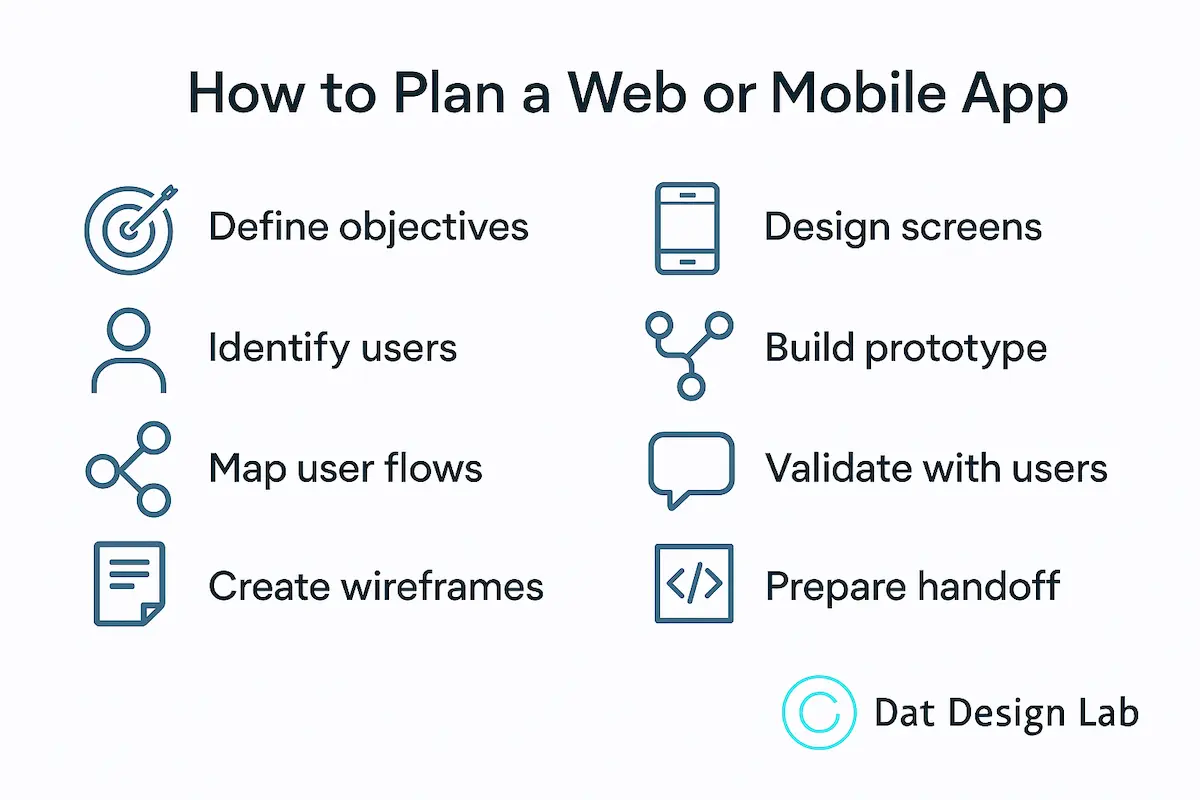
Putting It All Together
Planning isn’t extra work — it’s what ensures your idea becomes a great product instead of a complicated rebuild.
Great apps don’t start with coding.
They start with clarity, structure, and intentional UX design.
You don’t need a huge team or full-scale development budget to start your app the right way. Even simple UX steps—clear flows, wireframes, prototypes, and early user testing—can save months of work and significantly reduce development costs.
If you’re planning an app and want a clearer roadmap before development begins, you can explore my Web & Mobile App Design services for a structured, hands-on approach.
To see everything I offer, visit the full services page or return to the home page to learn more about how I design clean, intuitive digital experiences for early-stage founders.
If you’re preparing a project or need guidance on where to begin, feel free to contact me — I’d be happy to help.